
YMCA 360
Your Y. Your Rewards. One App.
THE Y APP THE Y ON YOUR MOBILE DEVICE
The YMCA360 app provides a full virtual health and wellness experience right on your mobile device. It brings the Y to you, wherever you are.
- Barcode check-in
- 3,000+ on-demand and live classes
- Schedules for all 10 KC centers
- Workout and wearable tracking
- Challenges and loyalty points
Download the app from your device’s app store below, or search your app store for “YMCA360.”
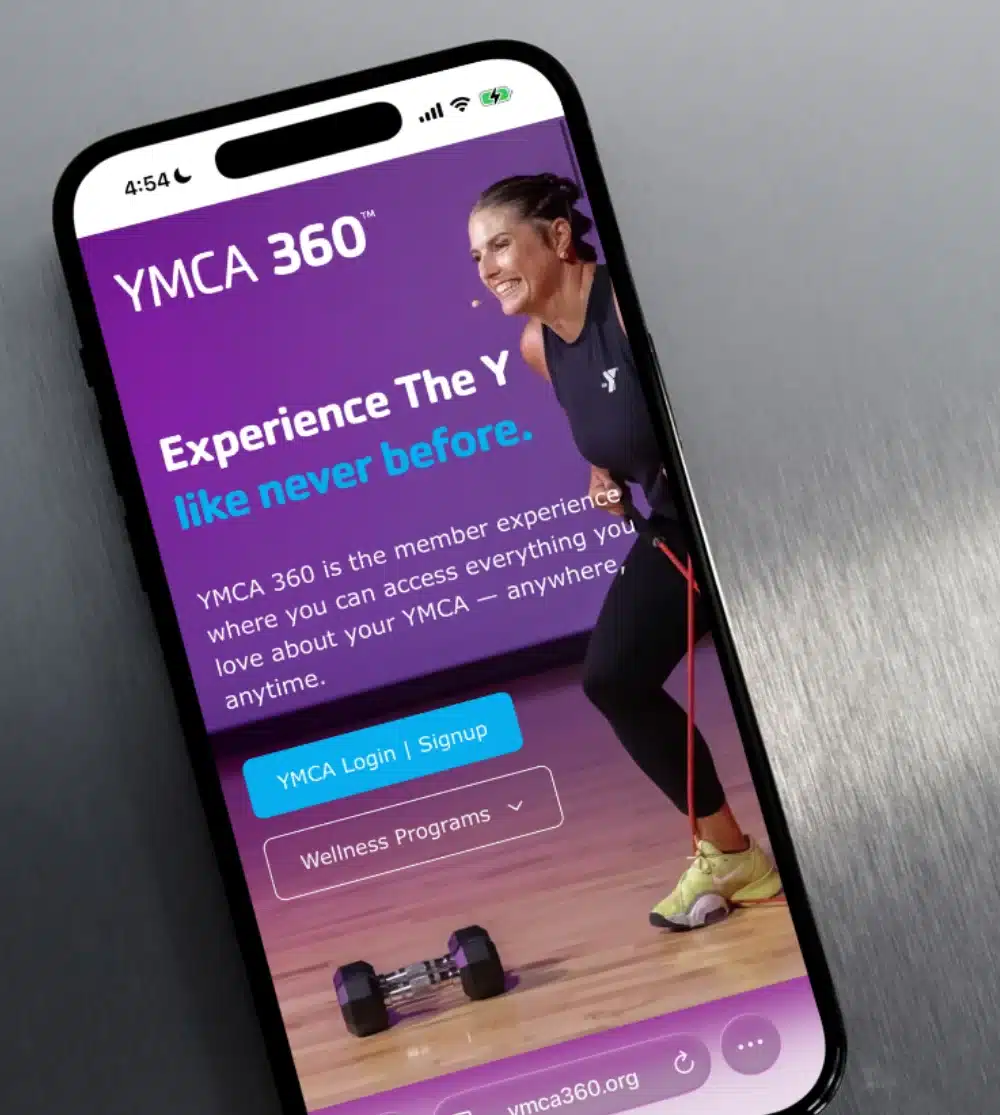

Getting Started YMCA360 is available to YMCA members
To sign in, you’ll need the email address associated with your YMCA membership.
- Open the YMCA360 app or visit YMCA360.org.
- Select Log In.
- Enter your membership email address and ZIP code, then select your YMCA.
- Check your email for a six-digit verification code.
- Enter the code to access your account.
Need help signing in? Contact your local YMCA, and we’ll be happy to help.


YMCA Rewards Stay Active. Get Rewarded.
Earn points for check-ins, workouts, and challenges, then redeem them for rewards.
FAQ FREQUENTLY ASKED QUESTIONS
YMCA360 is the people, places, and programs of the YMCA brought digitally to life. Y members have full access to the more than 3,000 high quality on-demand instructional videos and live streaming programs that allow members to enjoy the breadth and depth of YMCA programs no matter where they are.
YMCA360 is the ultimate healthy living digital experience. With YMCA360, healthy living for people of all ages and activity levels is possible anytime, anywhere. The robust digital experience combines immersive, healthy living with the values of the YMCA in a transformational presentation utilizing best-in-class people, programs and systems delivering the ultimate connected community.
More than just group exercise, YMCA360 has something for everyone of any age or interest. Enjoy nutrition classes, personal training, sports training, kids programming, art classes and more all in a mobile, web or TV experience.
YMCA360 is available to YMCA members. To sign in, you’ll need the email address associated with your YMCA membership.
- Open the YMCA360 app or visit YMCA360.org.
- Select Log In.
- Enter your membership email address, ZIP code, and select your YMCA.
- Check your email for a six-digit verification code. You might check your junk or spam folder, too.
- Enter the code to access your account.
Need help signing in? Contact your local YMCA, and we’ll be happy to help.
Chances are that the YMCA does not have the email address currently on file that you are attempting to use for signing into YMCA360. Please contact your YMCA to update your email address.
The first time you log in on a new device, YMCA360 is going to authenticate your access to the email address that you used to sign in. This is done by sending an email with a six-digit code to that email address. Please check your email to find the code that you can enter.
No, you will only be asked for that code if you log on using a different device or following periodic app updates.